QR code digital menus for restaurantsScan.Look.Choose.

Your guests scan the QR code on the table and see your menu on their phone: with photos, in their language and with allergens clearly marked. And you can change prices and dishes in a minute, without reprinting a thing.

Can VisualCocina mediterránea · IbizaCuina mediterrània · EivissaMediterranean cuisine · IbizaMediterrane Küche · IbizaCuisine méditerranéenne · IbizaCucina mediterranea · Ibiza

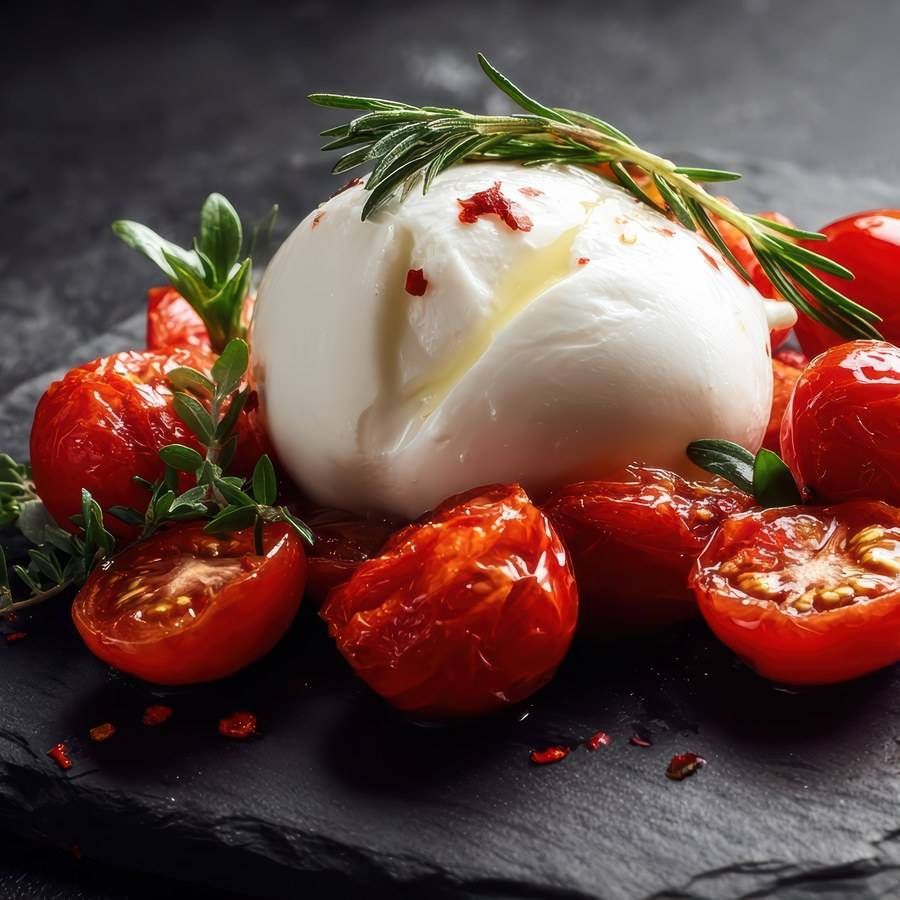
Burrata con tomate asadoBurrata amb tomàquet rostitBurrata with roasted tomatoesBurrata mit OfentomatenBurrata aux tomates rôtiesBurrata con pomodori arrosto

Tomate cherry al horno, albahaca y aceite de oliva virgen extraTomàquet cirera al forn, alfàbrega i oli d’oliva verge extraOven-roasted cherry tomatoes, basil and extra virgin olive oilOfen-Kirschtomaten, Basilikum und natives Olivenöl extraTomates cerises au four, basilic et huile d'olive vierge extraPomodorini al forno, basilico e olio extravergine d'oliva

  • MediaMitjaHalfHalbeDemiMezza 8,50 €
  • EnteraSenceraWholeGanzeEntièreIntera 13,50 €
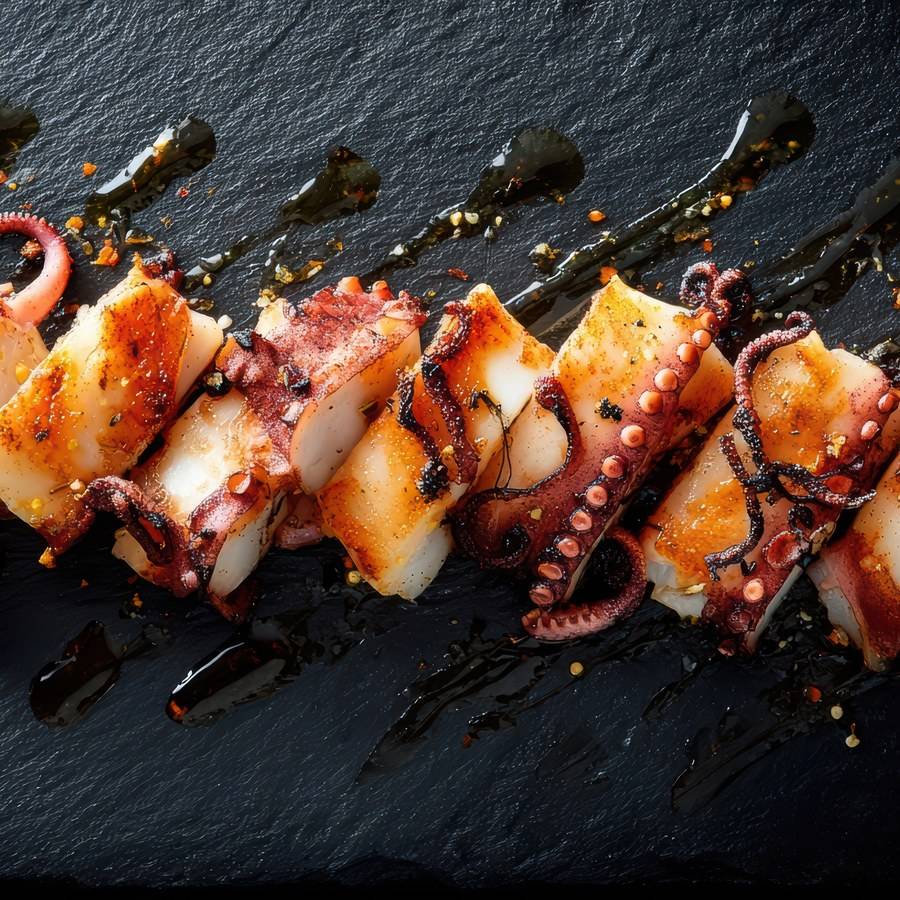
Pulpo a la brasaPop a la brasaChargrilled octopusGegrillter OktopusPoulpe grilléPolpo alla brace

Con pimentón de la Vera y reducción de sojaAmb pebre vermell de la Vera i reducció de sojaWith smoked paprika and a soy reductionMit geräuchertem Paprika und SojareduktionAu paprika fumé et réduction de sojaCon paprika affumicata e riduzione di soia

19,00 €

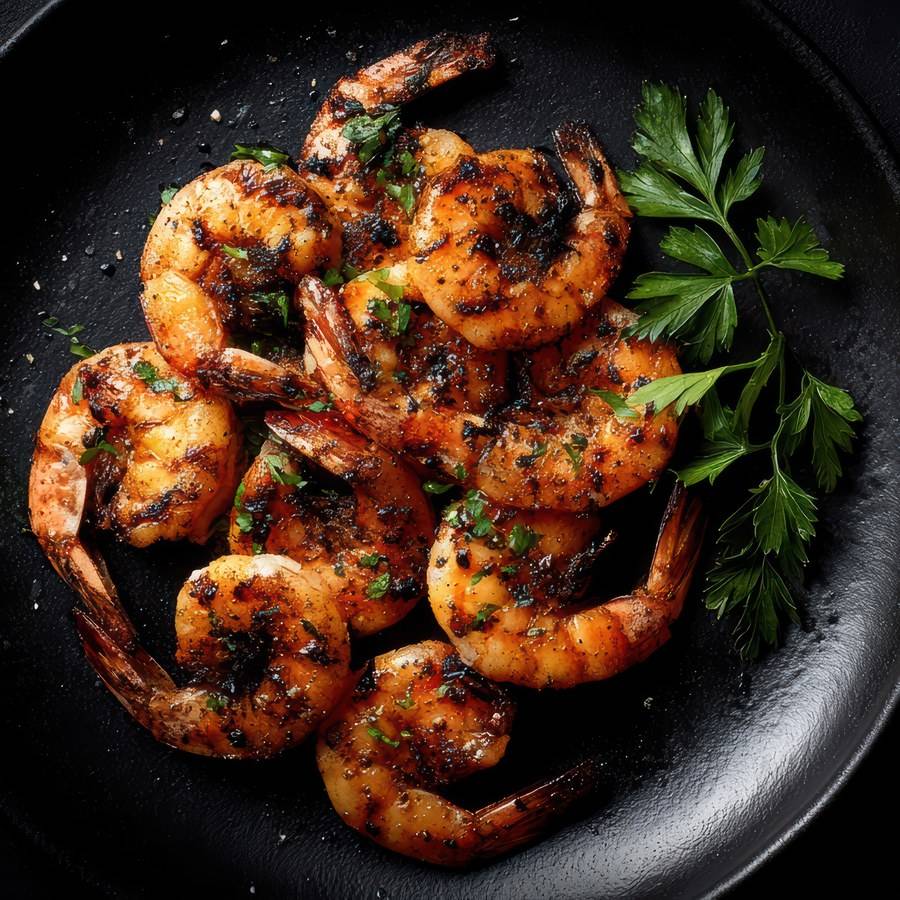
Gambas a la brasaGambes a la brasaGrilled prawnsGegrillte GarnelenCrevettes grilléesGamberi alla griglia

Ajo, perejil fresco y limónAll, julivert fresc i llimonaGarlic, fresh parsley and lemonKnoblauch, frische Petersilie und ZitroneAil, persil frais et citronAglio, prezzemolo fresco e limone

16,00 €
Dashboard · publishedPrice updated
Scan me

How it works

From table to menu in three seconds

  1. Scan

    Just the phone camera, nothing to download

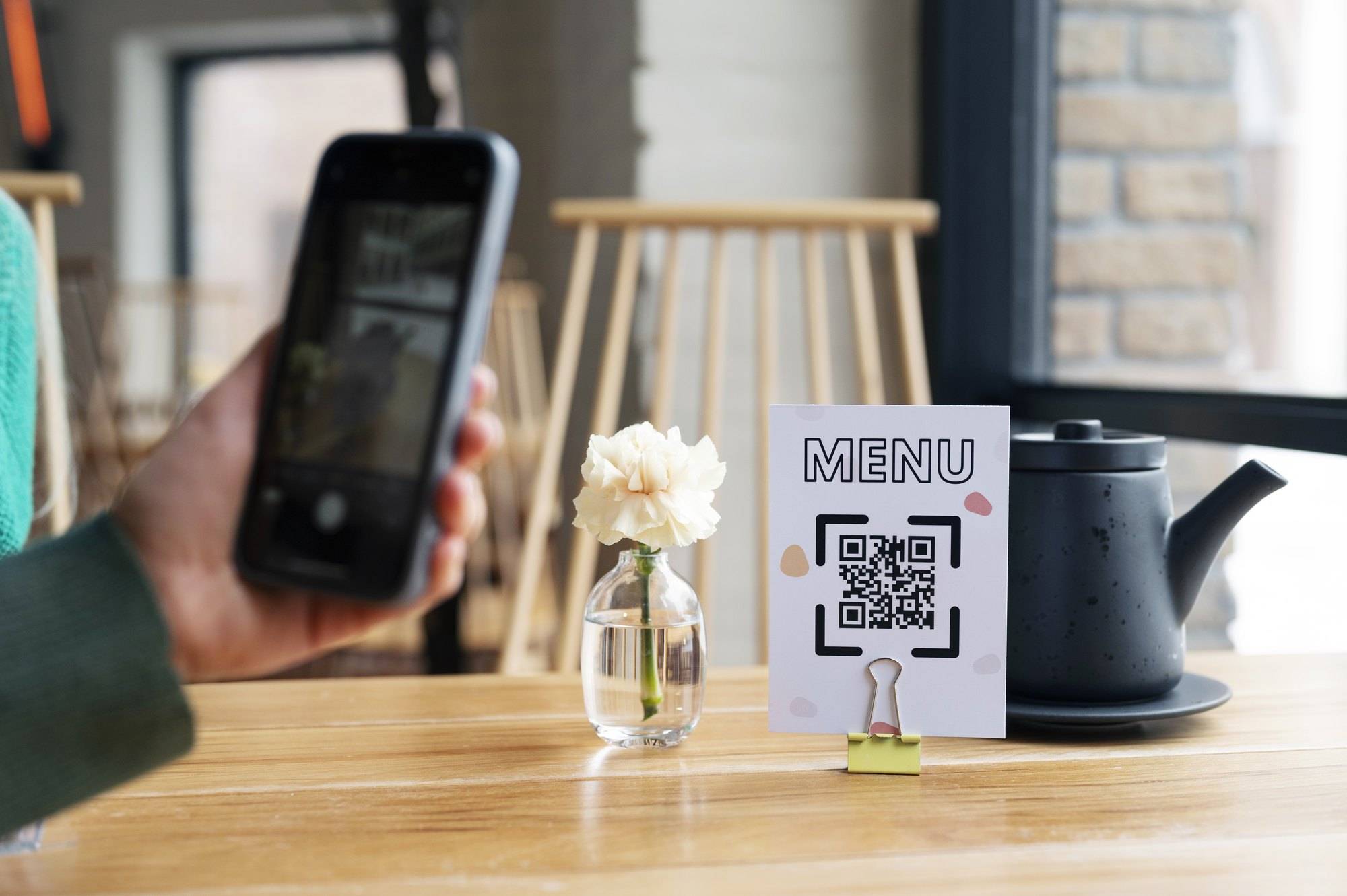
    The QR code goes on the table, at the bar or by the door. Guests point their camera and the menu opens instantly in the browser. No apps, no sign-ups and no waiting for someone to bring the menu.

  2. Look

    Your menu, looking great and in their language

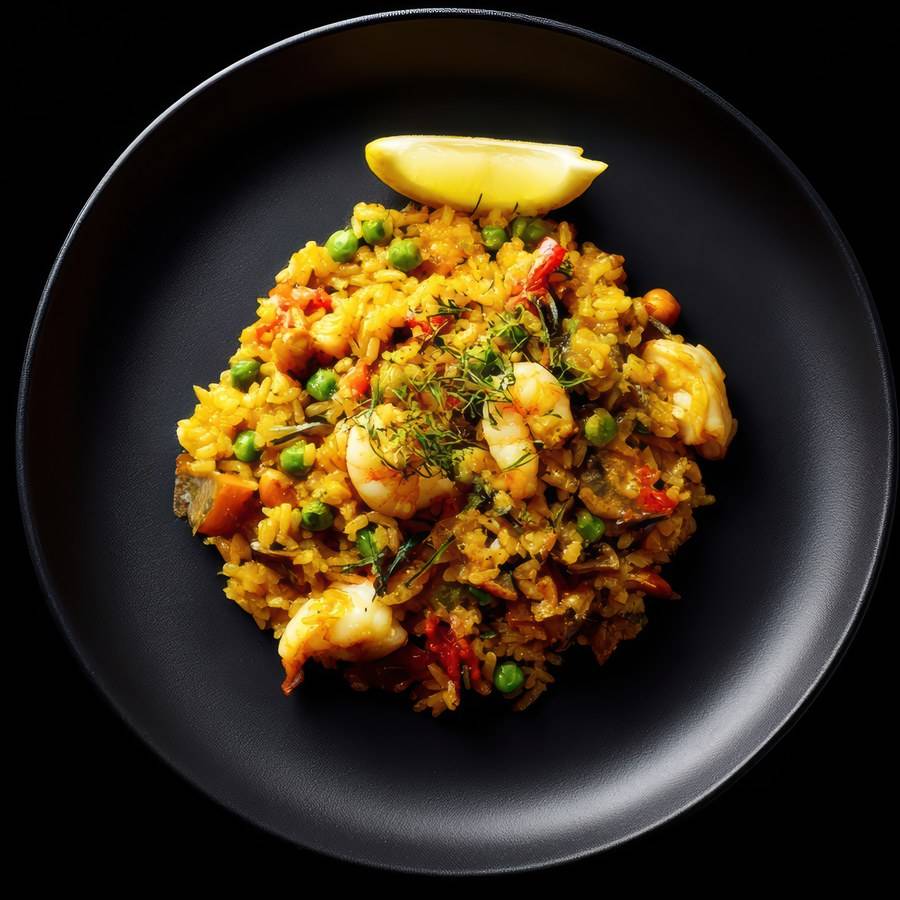
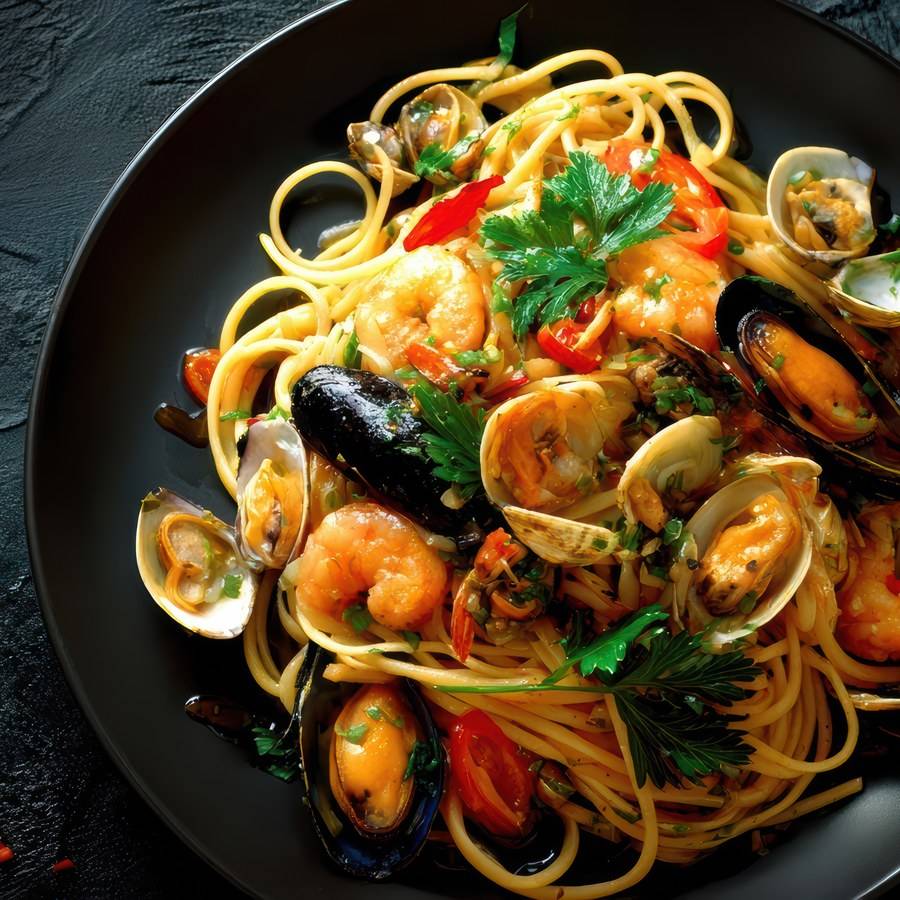
    Photos of every dish, clear descriptions, prices and allergens. Guests pick their language with one tap and go from starters to cocktails without zooming in.

  3. Choose

    They know what they want before you reach the table

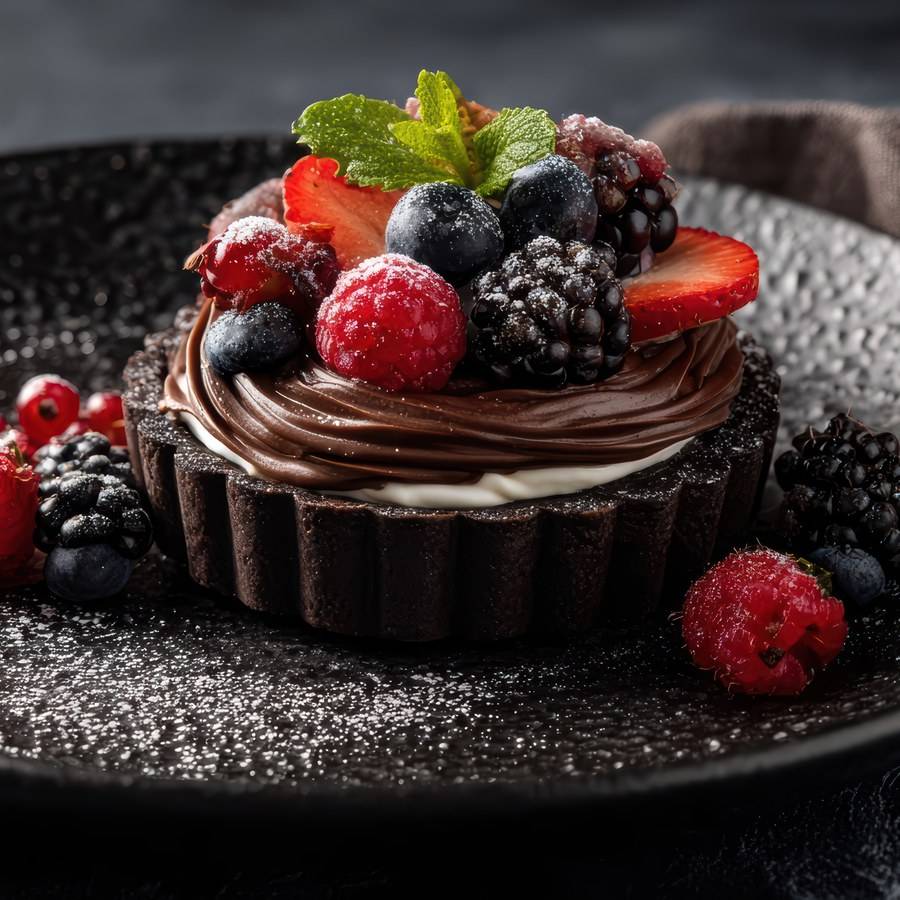
    With the photo in front of them and the allergens in plain sight, guests decide sooner and with fewer questions. Your team serves more tables, and guests treat themselves to that dessert they’ve just seen.

Features

Everything a paper menu can’t do

Photos that whet the appetite

A good photo sells a dish better than any description. Every dish gets its own: upload them from your phone and they’re optimised automatically, so the menu loads fast.

In every guest’s language

Spanish, English, German, French, Italian… as many languages as you need. Guests pick theirs and the whole menu switches over.

Prices always up to date, no reprinting

Fish gone up? August prices? Change the price on your phone and every table sees it that very moment.

Clear allergen info

The 14 allergens that must be declared by law, with icons, on every dish.

Your QR code, your colours

In your venue’s colours, ready for tables, the bar and posters.

Sold out? Hide it

One tap and the sold-out dish disappears from the menu. Tomorrow, another tap and it’s back.

Price variations

Tapa or sharing plate, glass or bottle, sizes and extras: every dish with all its prices, neatly organised.

All your menus in one

Groups and subgroups to keep everything in order: breakfast, lunch, wines, cocktails or today’s specials.

The difference

It’s not a PDF sitting in the cloud

Lots of ‘QR menus’ are just a PDF: you have to zoom in, it’s slow to load and changing a price means redoing the layout. Slide to compare.

PDF menu

  • Tiny text: you have to zoom in and drag around
  • Several megabytes, slow on a weak signal
  • One language only (or one PDF per language)
  • Changing a price means redoing the layout and uploading it again

Visual Menu

  • Designed to be read on a phone, no zooming
  • Loads instantly, even on the beach
  • Every guest sees it in their own language
  • Change a price and it shows straight away

Two ways to use it

With or without a website, your menu is always up to date

No website

Your menu on Visual Menu

Your menu lives at its own address, yourname.visual-menu.com, with your logo and your colours. You manage it from your dashboard and we give you the QR code ready to print.

  • Your own address
  • Your logo and colours
  • Management dashboard
  • Print-ready QR code

With a website

Inside your website

If you already have a website, the menu appears on it in your design and updates itself every time you change something in the dashboard. Google can read it too, which helps people find you when they search for your dishes.

  • In your website’s design
  • Updates automatically
  • Good for Google

Your dashboard

You’re in charge. From your phone.

Change prices, add today’s special, upload photos or hide whatever’s sold out. And if you’re short on time, send us a WhatsApp and we’ll make the change for you.

  • Drag to reorderDishes and groups in whatever order you like, with your finger.
  • Photos from your phoneTake the photo, upload it and it’s optimised automatically.
  • TranslationsEvery dish in all your languages. Add a new dish and we’ll help you translate it.
  • Or just ask usNo time? Send us the change and we’ll do it for you.

Frequently asked questions

What people usually ask us

Do my guests need to install an app?

No. They scan the QR code with their phone camera and the menu opens in the browser in a couple of seconds. It works on any phone, iPhone or Android.

Can I change prices and dishes myself?

Yes. From your dashboard, on your phone or computer, you can change prices, dishes, photos, allergens and the order of the menu. Changes show up instantly. If you’d rather, just ask us and we’ll do it.

How many languages can the menu be in?

As many as you need: Spanish, English, German, French, Italian, Catalan… Guests choose their language with one tap. When you add a new dish, we help you with the translation.

Does it show allergens?

Yes. Every dish shows its allergens with icons, based on the 14 that must be declared by law in the European Union.

I already have a website. Can I put the menu on it?

Yes. The menu appears inside your website, in your design, and updates itself when you change something in the dashboard. Find out more on our ‘Digital menu on your website’ page.

If I change the menu, do I have to reprint the QR code?

No. The QR code always points to the same address; what changes is what’s behind it. Print it once and forget about it.

What do I need to get started?

Your current menu (on paper, as a PDF or as photos), your logo and, if you have them, photos of your dishes. We set it all up, you check it and we hand you the QR code.

How much does it cost?

It depends on the size of the menu and the number of languages. Ask us for a demo and we’ll give you a fixed price, with no obligation.

Shall we get started?

Your menu on your guests’ phones, tomorrow

Send us your current menu and we’ll show you how it would look on Visual Menu. No obligation.

Scan it with your phone and message us on WhatsApp